In today’s fast-paced digital landscape, Remote Monitoring and Management (RMM) software has become indispensable. It is a crucial tool for IT professionals and organizations alike. Companies increasingly rely on technology to streamline operations. They also rely on it to enhance security. Understanding the key features of RMM software is crucial for maintaining a robust IT infrastructure. This article delves into the essential elements that make RMM software a critical asset for businesses of all sizes.
1. Efficient Patch Management
One of the fundamental features of RMM software is its patch management capabilities. Software vendors frequently release patches to address vulnerabilities and enhance performance. Unlike optional updates, patches are critical for safeguarding systems against potential breaches. RMM tools enable IT departments to automate the patching process, ensuring timely installation across all devices. This proactive approach minimizes the window of exposure to threats and ensures that all software is up-to-date, significantly enhancing the overall security posture of the organization.
2. Centralized Dashboard for Enhanced Visibility
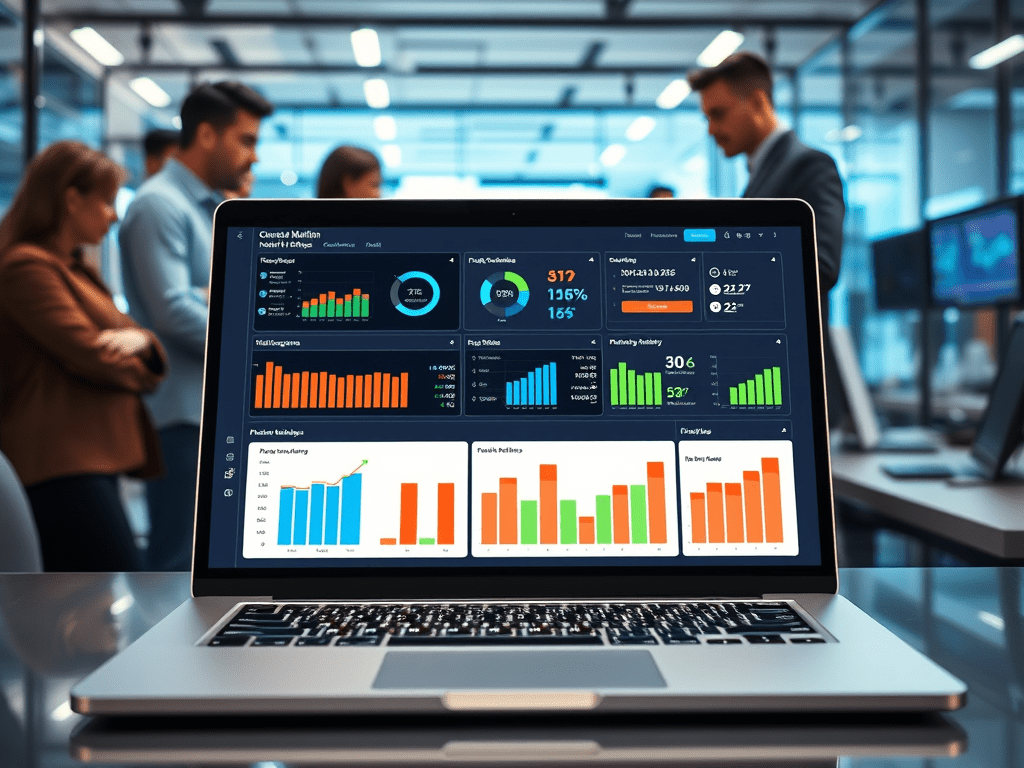
A centralized dashboard is another vital feature of RMM software. This dashboard provides IT professionals with an all-in-one view of the network’s health, enabling them to monitor devices efficiently without the need for individual inspections. The dashboard displays critical information such as pending patches, security alerts, and unusual activity, empowering IT teams to respond swiftly to potential threats. By consolidating data into a single interface, RMM software simplifies the monitoring process and enhances situational awareness.
3. Customized Alerts and Reporting
Effective communication is essential in IT management, and RMM software excels in providing customized alerts and reporting. Organizations can tailor alert parameters to reduce false positives and avoid alert fatigue, ensuring IT staff can focus on genuine threats. With options for alert delivery—such as smartphone notifications—IT professionals can respond to incidents promptly, even when away from their desks. Additionally, comprehensive reporting tools offer insights into the organization’s security health, highlighting areas that require improvement and helping to inform strategic decisions.
4. Streamlined Deployment Process
When implementing RMM software, ease of deployment is critical, especially for large organizations with numerous devices. RMM solutions are designed for quick and easy installation, allowing IT teams to deploy the software across hundreds of devices without significant downtime. Furthermore, the ability to install RMM tools remotely ensures that organizations can maintain productivity while securing their network. This streamlined deployment process is especially beneficial for organizations that operate in multiple locations or have a hybrid workforce.
5. Benefits of Remote Monitoring and Management Solutions
The advantages of RMM software extend beyond routine maintenance and security. Here are some key benefits that organizations can leverage:
5.1 Simplified and Secured Remote Work
As remote work becomes the norm, RMM software offers a solution that simplifies IT support for employees working from home. Without RMM, IT staff would need to guide employees through troubleshooting processes over the phone, which can be time-consuming and inefficient. RMM provides direct access to devices, allowing IT professionals to resolve issues swiftly and securely, ensuring that remote employees can maintain productivity.
5.2 24/7 Security Monitoring
For organizations that require round-the-clock security, RMM software enables continuous monitoring of devices, even during off-hours. This capability allows IT teams to detect and respond to potential threats in real time, reducing the risk of breaches occurring while employees are offline. By maintaining vigilance 24/7, organizations can safeguard their sensitive data and uphold their cybersecurity commitments.
5.3 Controlled Access to Sensitive Data
RMM software also empowers organizations to manage access to sensitive information effectively. IT teams can set user permissions, restricting access to critical data based on employee roles. In scenarios where conditional access is necessary, RMM tools can facilitate temporary access, providing flexibility while maintaining security. This level of control is crucial for protecting financial and proprietary information from unauthorized users.
5.4 Reduction in Travel Expenses
By utilizing RMM software, organizations can significantly reduce travel expenses associated with on-site IT support. IT professionals can remotely access and manage devices, eliminating the need for physical travel between offices. This not only saves costs but also allows organizations to tap into a broader talent pool for IT support, as geographical constraints become less relevant.
6. Trends Driving RMM Growth
The demand for RMM software has surged in recent years, driven by several key trends:
6.1 The Shift to Remote Work Post-COVID-19
The COVID-19 pandemic has accelerated the shift toward remote work, with many employees preferring to continue working from home. This transition has made RMM software a necessity for organizations seeking to ensure secure and efficient IT operations. As remote work environments become permanent fixtures, businesses must invest in RMM solutions to provide seamless IT support.
6.2 The IT Workforce Shortage
The increasing reliance on technology has resulted in a shortage of skilled IT professionals. Many organizations, particularly small and medium-sized businesses (SMBs), are turning to managed service providers (MSPs) for support. RMM software allows MSPs to manage multiple clients’ devices from a single platform, enhancing their ability to provide timely and effective IT services.
6.3 Growing Use of Open-Source Software
The prevalence of open-source software has transformed application development, but it also presents unique security challenges. RMM software enables IT teams to manage patching for open-source applications efficiently, ensuring that vulnerabilities are addressed promptly and reducing the risk of exploitation.
7. Choosing the Right RMM Tool for Your Business
Selecting the ideal RMM software for your organization requires careful consideration. Look for solutions that are:
- Easy to Deploy: Ensure the software can be installed quickly and remotely.
- Comprehensive Patch Management: Choose tools that offer robust patch management features to keep your systems secure.
- Centralized Monitoring Dashboard: A user-friendly dashboard is essential for monitoring the health of your network.
- Integration Capabilities: RMM tools should seamlessly integrate with your existing security software to streamline threat remediation.
By evaluating these criteria, businesses can identify the RMM solution that best meets their needs and enhances their overall IT security and efficiency.






 SME IT News
Leave a comment